What Is an OTP? One-Time Passwords Explained
Published on October 19, 2026 • 7 min read • Written by SMS OTPS Team
OTP stands for one-time password: a short numeric code that works exactly once and then dies. You meet one every time an app texts you six digits during sign-up, a bank asks you to confirm a payment, or an email login wants proof that the person typing the password also controls the phone on file.
The idea behind an OTP is simple. A regular password proves you know something. An OTP proves you have something, namely the phone or inbox registered on the account. Requiring both at once is what makes two-factor authentication much harder to beat than a password alone.
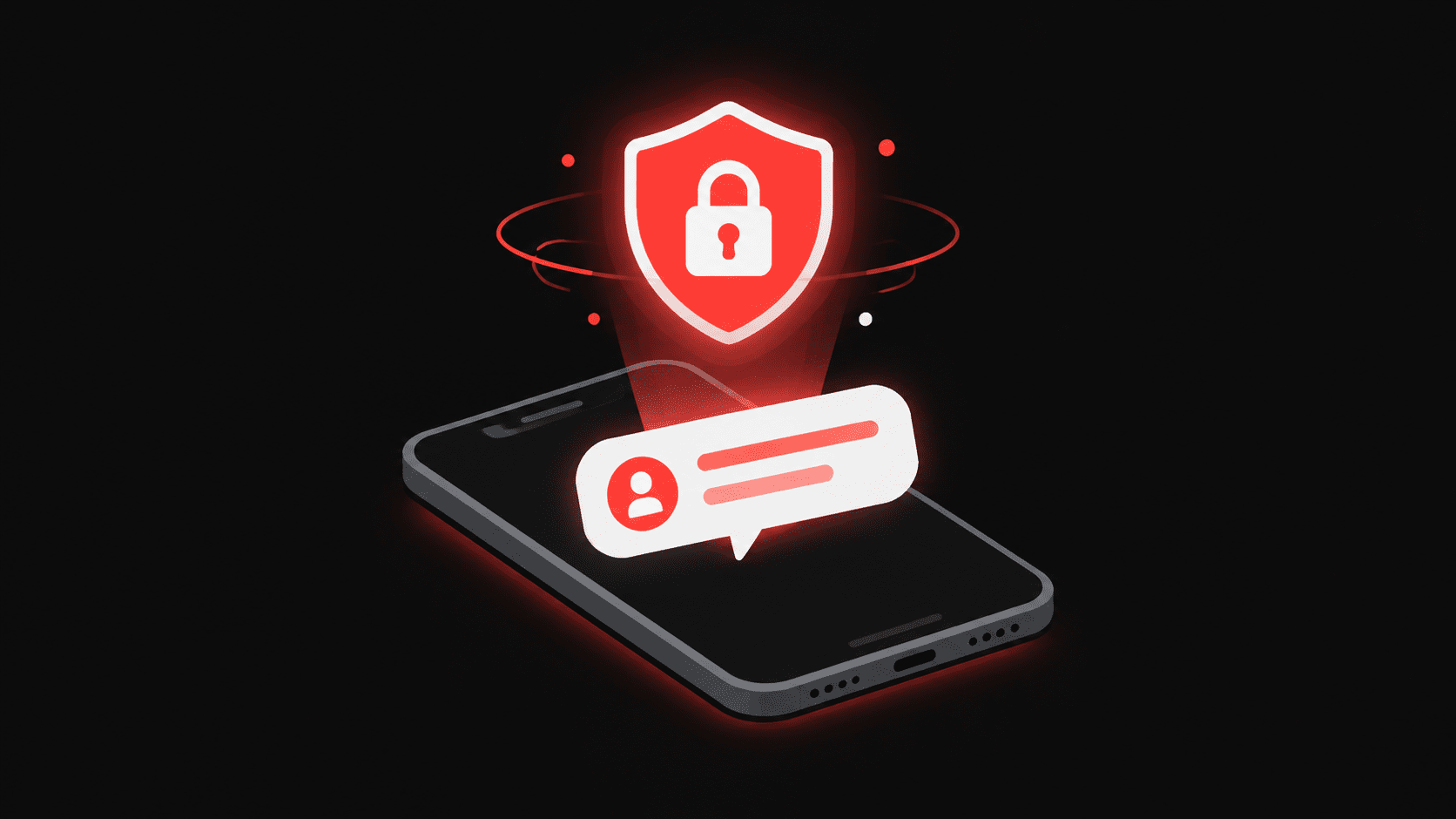
How an SMS code works, end to end
When you tap "send code," the service generates a random number on its servers, stores it against your account attempt with a timestamp, and hands it to an SMS gateway. The gateway routes the message through the mobile network to your number. You type the digits back into the app, and the server compares them with what it stored. Match, and you are in. Mismatch, or too late, and the code is rejected.
Two details in that chain explain most real-world behavior. First, the code lives on the server, not in the message, so nothing about the SMS itself can be reused. Second, the comparison includes the timestamp, which is why a correct code can still fail.
Why OTPs expire
A six-digit code has one million possible values. That sounds like a lot until you remember computers guess fast. Left alive forever, a code could eventually be brute-forced, and a code intercepted from an old message could be replayed at any time.
Expiry shrinks that attack surface to minutes. Combined with a limit on wrong attempts, the math becomes hopeless for an attacker: guessing a six-digit code in a handful of tries inside a five-minute window is a lottery, not a strategy. This is also why requesting a new code usually kills the old one, so there is never more than one valid code floating around for your login.
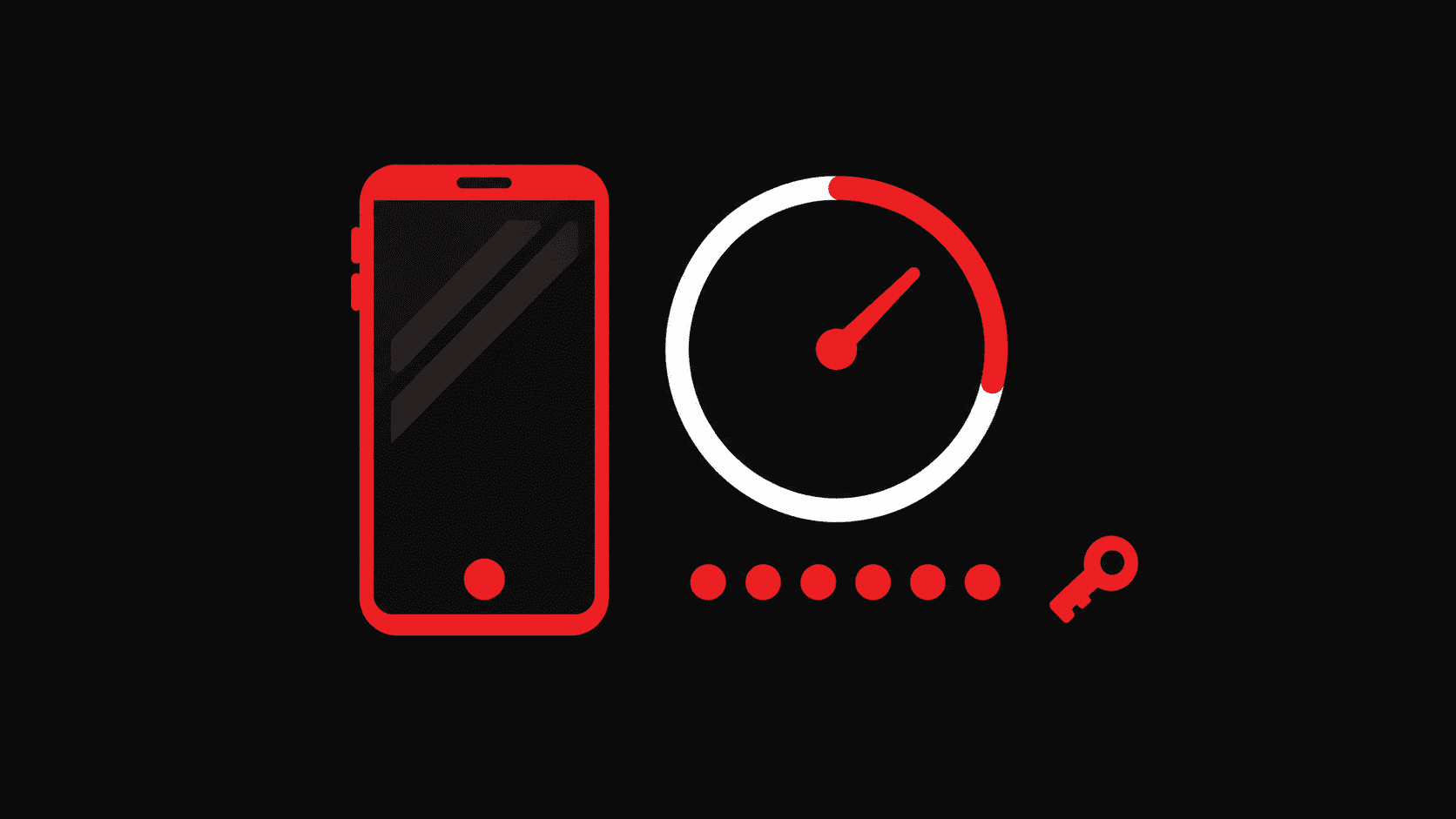
The different flavors of OTP
SMS codes are the most common because every phone already has a number, but they are not the only kind. Authenticator apps generate time-based codes on the device itself, refreshing every 30 seconds with no network involved. Email codes work like SMS codes but land in your inbox. Hardware keys and push approvals skip typing altogether. For everyday consumer apps, though, SMS remains the default because it asks nothing of the user beyond reading a text.
When the code never arrives
If you are waiting on a code that refuses to show up, work through the usual suspects. Check the number was entered in international format with the right country code; the number formatter fixes this in one step. Be aware that many apps silently reject VoIP and already-flagged disposable numbers, which you can check with the disposable number checker. And give the resend button a rest: every tap invalidates the previous code, so rapid-fire resends can leave you entering codes that died seconds after they were sent.
If your own number keeps failing, or you would rather not hand your personal SIM to every app you try, you can rent a private non-VoIP number, receive the code on your dashboard, and move on with your day. Only the rental that succeeds is ever charged.
One rule that never changes
Never share an OTP with anyone. No bank, no app, and no support agent will ever call and ask you to read out the code that just arrived. The moment someone asks for your code, they are asking for your account, because whoever holds that code is, as far as the server knows, you.