Tencent QQ Account Guide: Sign-Up, OTP and Recovery
By SMSOTPS Support Team
You want a QQ account without giving Tencent your personal number, and you want the verification code to actually arrive. Start with Tencent's own page, not with a seller's promise. That order matters, because the rest of this guide only makes sense once you know how little Tencent publicly says.
Here is the trade-off, stated before any how-to: if QQ asks for that number again - a new device, a login check, a recovery step - and you no longer control the number, you face a lockout risk. A disposable number might get you past the first code, if Tencent accepts it, and nothing here confirms that it will. It does nothing for the second, third or tenth check. Keep that in mind for every step below.
What Tencent's own sign-up page shows
Tencent's English QQ sign-up page for phone verification (zc.qq.com/en/phone_verify.html) is short. When checked on 3 Nov 2026 it offered tabs for a QQ account, a standard QQ number and an email account, and a "Use your Email as login" option. It asks you to enter a mobile number to receive a free verification SMS, with a region selector that listed countries with their dial codes and showed China (0086) by default.
The page notes say the mobile number is only for delivering the free verification code SMS, and that Tencent will not use it for other commercial purposes or distribute it to other parties. That is Tencent's own statement, and it is worth reading before you decide which number to hand over.
That is the verified core. Note what is missing from the public page: no "code did not arrive" checklist, no list of accepted countries, carriers or number types, and no description of what happens after the code is sent. This guide does not fill those gaps with guesses.
So if another article gives you a confident click-by-click tour of QQ and promises it will work for your country, treat that as its author's guess, not as Tencent's documentation. The narrow, honest version is: choose the region, enter the number, request the code, and everything after that depends on what Tencent shows you on your attempt.
Note the email option too. If your goal is simply an account and you do not need a phone number tied to it, the email route on the same page is Tencent's own alternative. Check on the page whether it fits what you need.
Answer this before you spend anything
Do you intend to keep this QQ account?
If the answer is yes - friends, chats, files, anything you would miss - a disposable number is a poor foundation. The account will outlive the number. A number you control for months and years is the safer base, even when handing it over feels annoying today.
If the answer is no, or if you accept the lockout risk with your eyes open, a virtual number is a choice some people make for one account, with Tencent's acceptance not guaranteed. One account. Not a spare, not a set, not a way to collect sign-ups.
If the code does not arrive
Check the boring things first, because phone verification fails on boring things.
- Check the region field before the digits. A number entered under the wrong country code is a different number to Tencent, even when it looks right to you.
- Check the digits character by character, with no spaces, dashes or leading zero carried over from a local format unless the form itself asks for that format.
- If you are using your own phone, check that it receives SMS at all and that you are looking at the right inbox.
Then stop pressing the button. Requesting code after code can leave you with several codes you cannot tell apart, and it does not turn a rejected number into an accepted one. If Tencent shows a specific error or a waiting instruction on your attempt, follow it on screen. If it shows nothing useful, no seller article can reliably tell you why from the outside.
This is where most guides go wrong. They jump straight from "no code" to "buy another number". Sometimes a different number changes the outcome. Sometimes the cause is elsewhere. Buying first and asking later hides that difference. For the general mechanics of how a code reaches you, see how to complete SMS verification online.
What a virtual number for QQ does
A virtual number for QQ is a number you would try in place of your personal SIM. You would enter it where QQ asks for a mobile number. The code arrives in your SMSOTPS dashboard instead of on your phone. You copy it back into QQ.
That is all it does. It does not make QQ accept you. It does not change Tencent's rules. It does not keep the account reachable after sign-up.
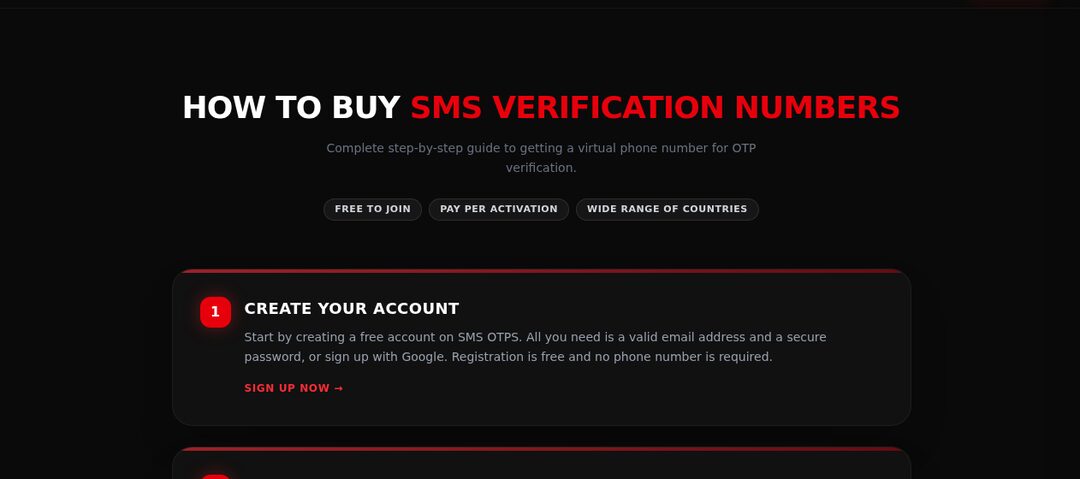
On SMSOTPS, the order is: top up your balance with crypto, choose the service and country, and buy a number. The SMS code appears in your dashboard. Check current price and stock on the live order page before you commit, because no price is quoted here.
One money rule matters more than any other detail. Your balance is charged when the number is ordered, at the price shown when you confirm - not when the code arrives. It means an order that produces no usable code is not automatically free, and you need to know the rules for your order type before you buy, not after.
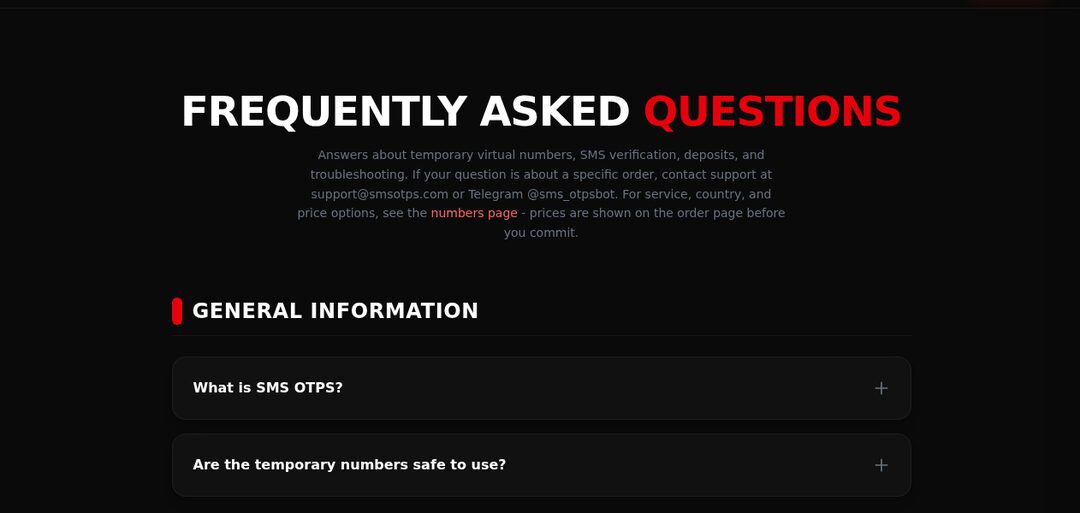
For one account, buy one standard order. Read the refund and cancellation rules for your order type before paying. They differ between standard and link-based bulk orders and can change, so this article does not quote refund windows, fees or cancellation mechanics. The version that counts on the day you buy is in the FAQ and the terms. If you cannot find the rule for your order type, do not pay yet.
Phone verification is Tencent's decision at the moment you request the code. A virtual number gives you a number to try. It does not give you a result.
The mistakes that cost people the account later
The first is the one this guide opened with: building a long-term account on a short-term number, then being surprised when QQ asks for the number again.
The second is sloppy record-keeping. Save your QQ number the moment you get it. Save the password somewhere you will find it in six months, not in a screenshot you will delete. Write down any recovery detail QQ shows you during sign-up. Recovery is hard enough with the number. Without the QQ number itself, it is harder.
The third is treating the code as the whole job. Sign-up is the easy part. The account becomes yours in practice only when you can get back into it. Ask yourself, right after sign-up, how you would get back in if your phone was replaced tomorrow. If the honest answer is "I could not", you have not finished. You have postponed the problem. For why a public or shared inbox makes this worse, read how to receive SMS online safely.
A note on the region field
The page has a region selector, so the region and the number you type need to match. There is no secret country code. Use the official page, set the region, enter the number exactly as the form expects it, and accept that Tencent may still reject that number. A failed attempt does not prove every foreign number fails, and a single success does not prove the next number will work.
What I would actually recommend
If this QQ account matters to you beyond today, use a number you will keep controlling. That is the recommendation, even though it is less convenient than a disposable number.
If you still choose a virtual number, do it for one account, with the lockout risk accepted, after reading the FAQ and terms for a standard order. Check price and stock on the order page, top up, choose Tencent QQ and your country, buy one number, and enter the code from your dashboard into QQ. Then save your QQ number and password straight away, and write down in plain words how you would recover the account without that number.
Common questions
What does Tencent's QQ phone verification page ask for?
When checked on 3 Nov 2026, the English page asked for a mobile number to receive a free verification SMS, with a region selector. It also showed an email account option. Tencent can change the page at any time.
What should I check if the QQ code does not arrive?
Check the region, then the digits with no stray spaces or leading zero, then that you are looking at the right inbox or dashboard order. Follow any message Tencent shows on screen, and do not keep requesting codes.
Can I use a virtual number for QQ?
Some people use a virtual number for the code step so the number entered is not the one they use every day. Whether any number is accepted is Tencent's decision, and a number you no longer control later is a lockout risk.
What happens to my money if no code arrives on a virtual order?
It depends on the order type. Refund and cancellation rules differ between standard and link-based bulk orders, and the current rules are in the SMSOTPS FAQ and terms - those are the version that counts on the day you buy. For one account, use a standard order.
Should I use a virtual number for a QQ account I plan to keep?
No. Chats, files and recovery checks can all point back to the number. Use a number you will still control for any account you plan to keep, and a virtual number only for an account you are willing to lose.
Related articles
 How to Complete SMS Verification Online For a first verification: choosing a service and country, entering the number and reading the code.
 How to Receive SMS Online Safely For understanding privacy: public shared inboxes compared with private verification numbers.
 What Is an OTP? One-Time Passwords Explained For first-time readers: verification codes and their expiry timers.