Telegram Account Setup: Registration, OTP and Recovery
By SMSOTPS Support Team
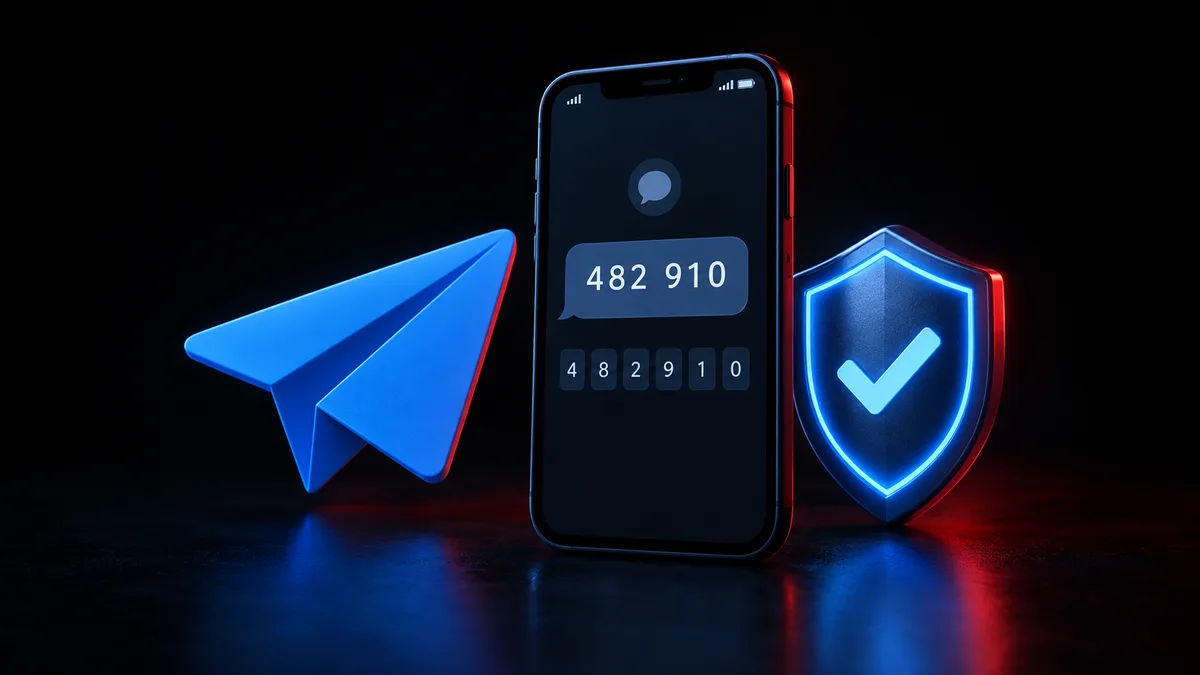
A virtual number can work for Telegram SMS verification: you buy a number, Telegram sends its code to that number, you read the code in a dashboard, and you enter it in Telegram. Whether Telegram accepts any given number is Telegram's decision, and no guide can promise it.
That is the whole trick, and it is also the whole trap. Read the next section before you pay.
Read this before you buy anything
A number bought for one verification is not a phone line you keep. It is a number for the step in front of you.
Telegram is stricter about this than most apps, because the number is the account. Telegram's own FAQ puts it bluntly: each phone number is a separate account, and the phone number is the only way Telegram identifies a user at the moment - whoever has the number has the account. If Telegram asks for that number again - a new device, a fresh login, a security check - the code goes to a number you no longer control. That is a lockout risk, stated plainly, because it is the reason to think before you buy rather than after.
If you searched for a telegram account without personal number, this is the honest version of that idea: a separate number keeps your personal number off the account, and it does not promise that Telegram will accept that number. Acceptance is Telegram's decision. No delivery time, no success rate, and no acceptance promise belongs in a guide like this.
This guide is for one reader and one account. It is not a way to run several accounts, and it is not a route to offers or bulk sign-ups.
What Telegram itself says - and what is not verified here
Telegram's FAQ is short on this subject, and that shortness is useful. Everything below comes from it, cited so you can check: Telegram FAQ.
For Telegram registration, the number must be entered in international format: plus sign, country code, then city or carrier code, then the number. Telegram accounts can only be connected to a mobile number. Landlines are not supported.
The code does not always arrive by SMS. If you have recently used Telegram on another device - another app on the same device counts - Telegram may send the login code through Telegram instead of SMS, into the chat with Telegram, a verified profile with a blue check. Before you decide nothing was sent, look there.
Codes read out by phone call are limited. For security reasons, they may be unavailable for particular carriers or require two-step verification to be switched on. A brand-new account should not count on a call.
And Telegram warns, in the same section, that getting a code through Telegram should not be treated as an alternative to an up-to-date phone number. If the number changes, Telegram must be connected to a phone number you control, otherwise you risk losing access to your account.
Two more FAQ points matter for later. You can change your number in Settings, by tapping your phone number and choosing Change Number, and keep your cloud messages, media, and Secret Chats - but if the target number already has a Telegram account, you will need to delete that account first. And if your phone was stolen, Telegram says it cannot help you unless you have access either to the phone number or to Telegram itself on one of your devices.
The exact screens for Telegram sign-up were not verified beyond these FAQ points, so this guide does not walk you through them button by button. If a step below sounds like a screen you do not see, trust the screen in front of you over this guide.
New to receiving codes this way? The guide on how to receive SMS online safely covers the basics.
The steps, using SMSOTPS
- Top up your SMSOTPS balance. Top-ups are crypto.
- Choose Telegram as the service and the country you want the number from, on the live order page. Check the price and availability shown there before you confirm - this guide quotes no price, because the live order page is the only figure that counts on the day you buy.
- Buy the number. Your balance is charged when the number is ordered, at the price shown when you confirm - not when the code arrives.
- Enter that number in Telegram in international format, with the country Telegram shows selected, and the digits entered exactly as Telegram expects them. Do not add a leading zero after the country code, and do not double the country code by typing it again when the form already selected it.
- Request the code once. Read the Telegram OTP in your SMSOTPS dashboard and enter it in Telegram promptly and exactly as shown. If more than one code was requested, use only the newest one.
- Finish setup, and then, while you are still signed in, set up the protections that make the account survivable. Telegram's FAQ points to two-step verification - a password in addition to the code - and to keeping the number on the account up to date and under your control. A passkey, where Telegram offers one, is another login route, but it does not replace the number.
Before you pay, read the money rules where they live: the SMSOTPS FAQ, the terms, and the live order page. This article deliberately does not quote refund or cancellation mechanics, because those pages govern them.
Telegram login code not received: what to check first
Check the other device first. This is the mistake Telegram's own FAQ is written to prevent. If you have Telegram open anywhere else - an old phone, a tablet, a desktop app, even another Telegram app on the same phone - the code may be sitting in the Telegram chat there, not in your SMS inbox. A missing SMS is not always a missing code.
Then the format. Re-check that the number is in international format, that the country code is right, and that no leading zero slipped in after it. A number from one country entered under another country's code looks exactly like a block.
Stop resending. One request, then wait. A second request usually kills the first code, and by the time a code arrives you are entering an old one into a form that wants the newest. If Telegram says the code is invalid or expired, that is usually why. Close the screen, open it fresh, request once, and enter the newest code right away, in the same session.
If nothing arrives after all that, the number, the route, or Telegram's own check did not line up this time. Do not keep hammering resend. Go back to the SMSOTPS FAQ and terms for what happens to your order, and to Telegram's FAQ and its support form for the account side.
Recovery: the part most guides get wrong
Here is the sentence that matters most for readers who arrived here locked out, rather than signing up.
A new number does not get you back into an old Telegram account.
Telegram treats each number as a separate account. Registering with a fresh number starts a new account; it does not hand you the old one's chats, contacts, or groups. What gets you back in is access to the number on the account, or an existing signed-in session on another device. Telegram's stolen-phone advice says the same thing in plainer terms: it cannot help you unless you have access either to the phone number or to Telegram itself on one of your devices.
For readers who are still signed in, the useful version is about timing. Change the number only while you are signed in, through Settings and Change Number, when you can receive a code right away - and verify the new number immediately. Telegram's FAQ warns to make sure you have access to your connected phone number, otherwise you risk losing access to the account. If you are switching away from a personal number for privacy, do it before you lose access to the old number, not after.
That is also why the first section of this guide exists. The time to decide whether a one-time number belongs on an account you intend to keep is before the first code, not during the first recovery prompt.
The mistakes that cost people accounts
Using a free public inbox for an account you intend to keep. Anyone can open that inbox and read the code, and whoever reads the code can enter the account. For a throwaway test, the risk is yours to take. For a Telegram account with real chats and contacts, it is a bad trade, and this guide recommends against it.
Sharing the code with anyone. Telegram support, a bot, a channel admin, a seller - none of them needs your login code. A request for it is an account-takeover attempt, full stop.
Treating the rented number as permanent - giving it out, or using it as the recovery number for other accounts. It was bought for one verification step.
Entering the number wrong and blaming the platform: leading zero, doubled country code, a landline number. Telegram's own FAQ covers all three; the rest is just care with digits.
And the one this guide refuses to sell: multiple accounts. One reader, one account, one number for the step in front of them.
So, what should you actually do?
Decide which reader you are, before you pay. If you need one code, for one account, and you accept that the number will be gone afterwards - buy a number for Telegram on the live order page, check the price shown when you confirm, request the code once, enter the newest code promptly, and set up two-step verification while you are still signed in.
If this is an account you will need to get back into, do not tie it to a number you cannot keep. Use a number you control for that account, or accept, with your eyes open, that you are trading future access for present privacy. Read the SMSOTPS FAQ and terms before you buy. If the code does not arrive, check the Telegram chat on your other devices first - that is where Telegram's own FAQ says to look.
New to SMSOTPS? The guide on how to complete SMS verification shows the full flow.
Common questions
Why is my Telegram login code not received?
Telegram's own FAQ starts with the other-device check: if Telegram is open anywhere else, the code may arrive in the Telegram chat there instead of by SMS. Then re-check the international format and country code, and do not hammer resend - a second request usually invalidates the first code.
Can I use a virtual number for Telegram?
Whether Telegram accepts any number is Telegram's decision, and no reception service can promise acceptance. The bigger risk is afterwards: Telegram treats the phone number as the account, so a code today on a number you cannot keep is a lockout risk on the next login.
Does a new number get my old Telegram account back?
No. Telegram treats each phone number as a separate account, so registering with a fresh number starts a new account. Getting back in requires access to the number on the account or a signed-in session on another device.
Can Telegram send the code by phone call instead of SMS?
Telegram's FAQ says login codes dictated by phone call may be unavailable for particular carriers or require two-step verification to be enabled, for security reasons. A brand-new account should not count on a call.
What are the money rules for using SMSOTPS for Telegram verification?
SMSOTPS sells one-time SMS reception numbers. Payment, refund and balance rules are in SMSOTPS's own FAQ and terms pages, and those are the version that counts on the day you buy - they are not restated here.
Related articles
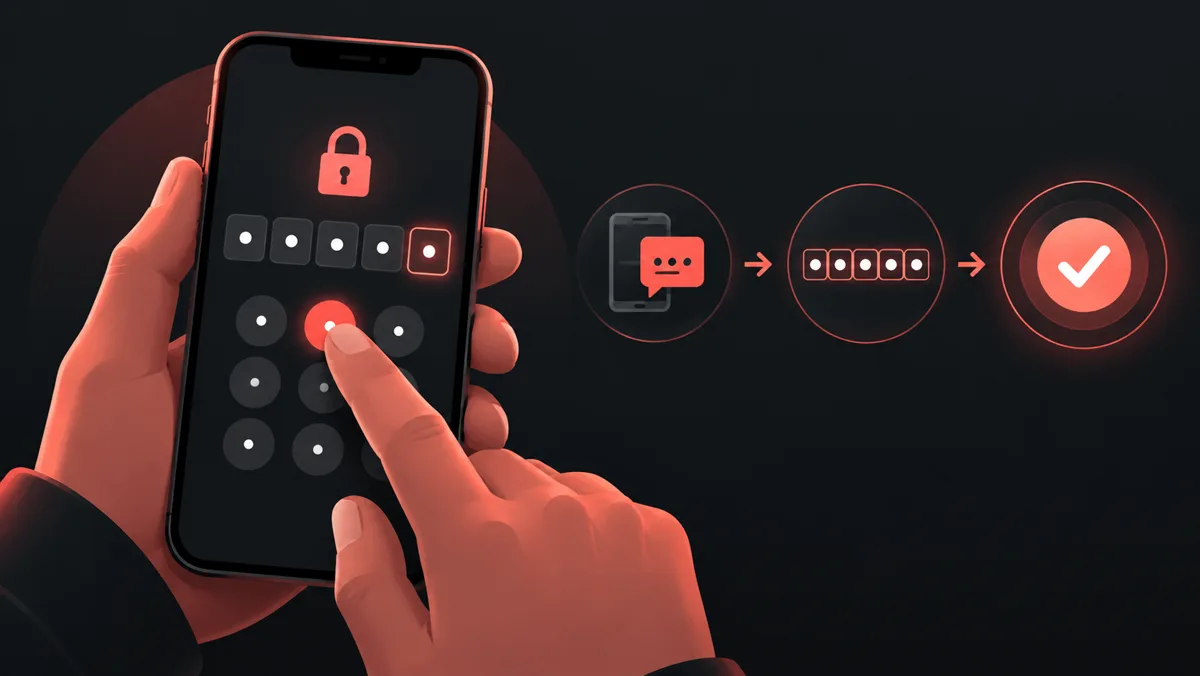 How to Complete SMS Verification Online For a first verification: choosing a service and country, entering the number and reading the code.
 How to Receive SMS Online Safely For understanding privacy: public shared inboxes compared with private verification numbers.
 What is a Non-VoIP Phone Number? For comparing number types: what Non-VoIP means. Acceptance still depends on the receiving service.