Kwai Account Guide: Sign-Up, OTP and Recovery
By SMSOTPS Support Team
Kwai does not treat your phone number as a throwaway detail. For users who register with a mobile number, Kwai says the number is bound to the account by default.
That single fact changes the calculation. If you register with a number you later lose, you may face a code sent to a number you no longer control, or a replacement route that depends on details you did not save. Decide with that ending in mind, not just the first code.
One limit up front: Kwai's own Help Center warns that a virtual mobile number sometimes cannot receive the verification code. Whether Kwai accepts any particular number is Kwai's decision, and nothing here promises it. If you still want to try a virtual number, the SMSOTPS steps are below, with the risks stated first.
What Kwai's Help Center says
Kwai's Help Center is the place to start, because it says things seller pages leave out. The pages below were read on 3 Nov 2026 and Kwai can change them at any time.
On binding, Kwai's "How to bind mobile phone number?" page says that for users who register with a mobile phone number, the number is bound to the registered account by default. For users who did not register with a phone, it describes a bind route through the personal page and Settings, ending with a password of 6-16 characters and a verification code.
On a missing code, Kwai's "I cannot receive the verification code?" page gives a short checklist: make sure the network is normal, make sure the number is filled in correctly, check the inbox for the code, restart the device and try again, and check whether spam or harassment blocking put the message in the wrong place. It also says, in the same list, that virtual mobile phone numbers sometimes cannot receive the verification code.
That is not a footnote. It is Kwai telling you in its own help that a virtual number is not a guaranteed route. Read it that way.
Kwai's phone-number binding help section also lists an entry for the case where a number is already bound to another Kwai account (Kwai phone number binding help). This guide did not rely on the full text of that entry. The obvious point stands: a number already tied to someone else's account is not a clean start for yours.
The number comes back. Plan for that.
Kwai's change-number page makes the lockout risk concrete. If your old number still works and receives codes, you change the bound number by entering a code sent to the old number, then a code sent to the new number.
If your old number cannot receive a code, Kwai describes a different route: stay on the code-entry page for about 10 seconds until a "Can't receive code? Click here" message appears, then follow the instructions on the new page. Kwai's page adds that this feature was being fully launched and tells readers to confirm they have the latest version of Kwai. Do not build your recovery plan on a feature Kwai itself describes as rolling out. Build it on keeping control of the number.
For a Kwai account that holds videos you made, people you follow and messages you care about, that matters. The number behind it should not expire before the account does.
When the code does not arrive
Start with Kwai's list, not with a new purchase. Check the network, check the digits character by character, check the right inbox, and check spam or harassment blocking. Restart the device and try again. That list is dull, and it catches failures that have nothing to do with the number.
Then check the SMSOTPS side. Are you looking at the right order, for Kwai, in the country you bought? Did you enter the number exactly as shown?
Only then consider whether the number itself is the problem. Pressing resend again and again can leave you with several codes and no way to tell which one Kwai is waiting for.
If the problem persists, Kwai's no-code route asks for specific details: your KwaiID, your area code plus mobile number, the exact time you clicked to receive the code, and the scenario - login, withdrawing cash, binding a number, changing a number or losing a number. Save those details when something goes wrong. A reader who can hand Kwai that list has a support case. A reader who cannot starts from zero.
Remember the money rule before you buy again: on SMSOTPS your balance is charged when the number is ordered, at the price shown when you confirm - not when the code arrives. Each new number is a new charge. Buying three numbers in a row to troubleshoot one missing code is an expensive way to find out the problem was a mistyped digit.
How to use a virtual number on SMSOTPS, if you still want one
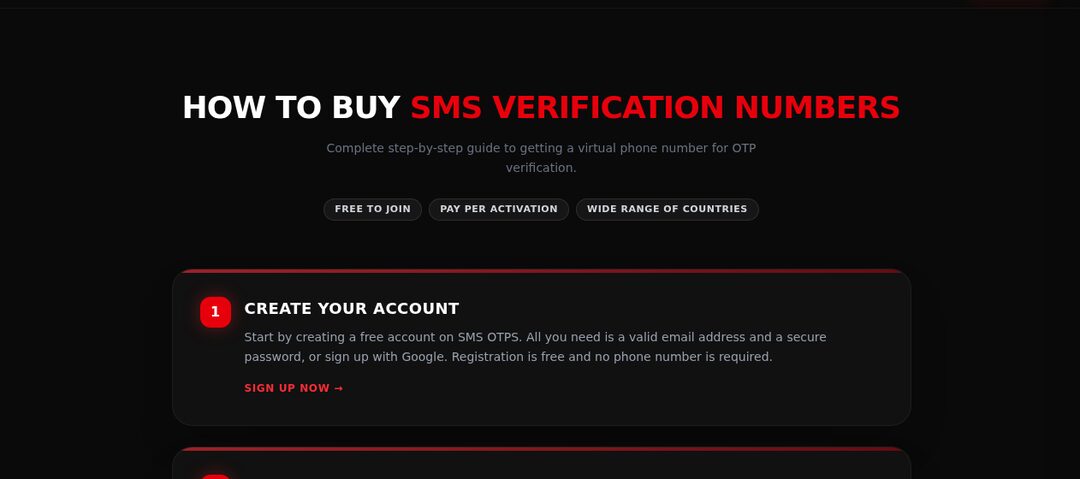
The SMSOTPS part is straightforward. Top up your balance with crypto, choose Kwai as the service and your country, and buy a number. The SMS code appears in your dashboard. If you want the basics of how a code reaches you, see how to complete SMS verification online.
For one account, buy one standard order. Read the refund and cancellation rules for your order type before paying, because they differ between standard and link-based bulk orders and can change. The version that counts on the day you buy is in the FAQ and the terms. This article quotes no refund window, fee or cancellation mechanic.
For current price and stock, check the live order page. No price is quoted here, because a price copied into an article goes stale.
Enter the number into Kwai exactly as shown and read the code from your dashboard promptly. Do not use a free public inbox for an account you want to keep. A code visible to anyone who opens that inbox is not private. The guide on receiving SMS online safely explains why.
Three mistakes that cost people the account later
First, building a lasting Kwai account on a number with a short life. If you want the account in six months, the number behind it needs to last six months. Your personal number, or a number you control long term, is the straightforward choice.
Second, ignoring a bound-number message. If Kwai tells you a number is already bound to another account, do not try to work around that by creating more accounts. Stop and sort out which account the number belongs to.
Third, saving nothing. When you create the account, save your KwaiID, the exact number you used and your password somewhere deliberate, not in a screenshot you will delete. Kwai's support route asks for those details, and recovery without them is harder.
What I would actually recommend
If this Kwai account matters beyond today, use a number you will keep controlling. If you still choose a virtual number, do it for one account, with Kwai's own warning in mind - virtual numbers sometimes cannot receive a code, and acceptance is Kwai's decision - after reading the FAQ and terms for a standard order. Check price and stock on the order page, buy one number, and save your KwaiID and the exact number straight away. If you cannot say how you would get back in without that number, do not build anything important on the account yet.
Common questions
Does Kwai bind my phone number to my account?
For users who register with a mobile phone number, Kwai's Help Center says the number is bound to the registered account by default. Users who did not register with a phone can bind one from Settings.
What should I check when the Kwai code does not arrive?
Kwai's checklist: normal network, number filled in correctly, check the inbox, restart the device and try again, and check spam or harassment blocking. Kwai also says virtual mobile numbers sometimes cannot receive the code.
Can I use a virtual number for Kwai?
Kwai's own help says virtual numbers sometimes cannot receive the verification code. Whether any number is accepted is Kwai's decision, and a number you no longer control later is a lockout risk.
What happens to my money if no code arrives on a virtual order?
It depends on the order type. Refund and cancellation rules differ between standard and link-based bulk orders, and the current rules are in the SMSOTPS FAQ and terms - those are the version that counts on the day you buy. For one account, use a standard order.
What if my old Kwai number can no longer receive codes?
Kwai's change-number page describes staying on the code-entry page for about 10 seconds until a "Can't receive code? Click here" message appears, then following the instructions. Kwai says that feature was being fully launched, so confirm you have the latest version.
Related articles
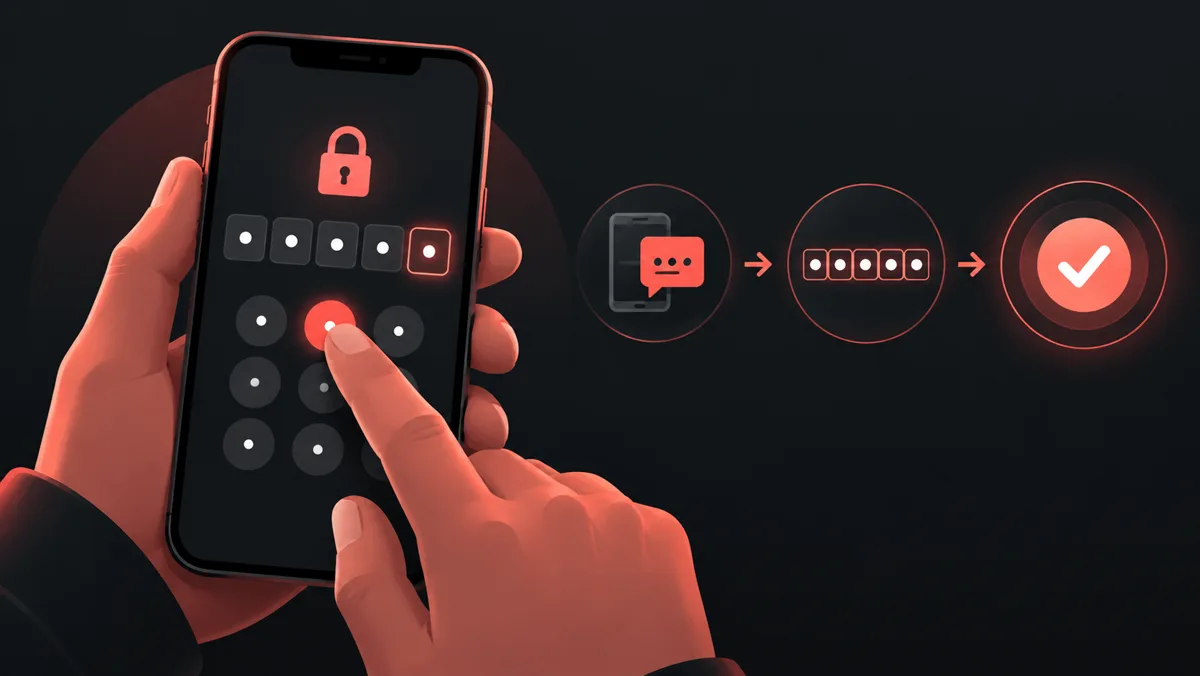 How to Complete SMS Verification Online For a first verification: choosing a service and country, entering the number and reading the code.
 How to Receive SMS Online Safely For understanding privacy: public shared inboxes compared with private verification numbers.
 What Is an OTP? One-Time Passwords Explained For first-time readers: verification codes and their expiry timers.